
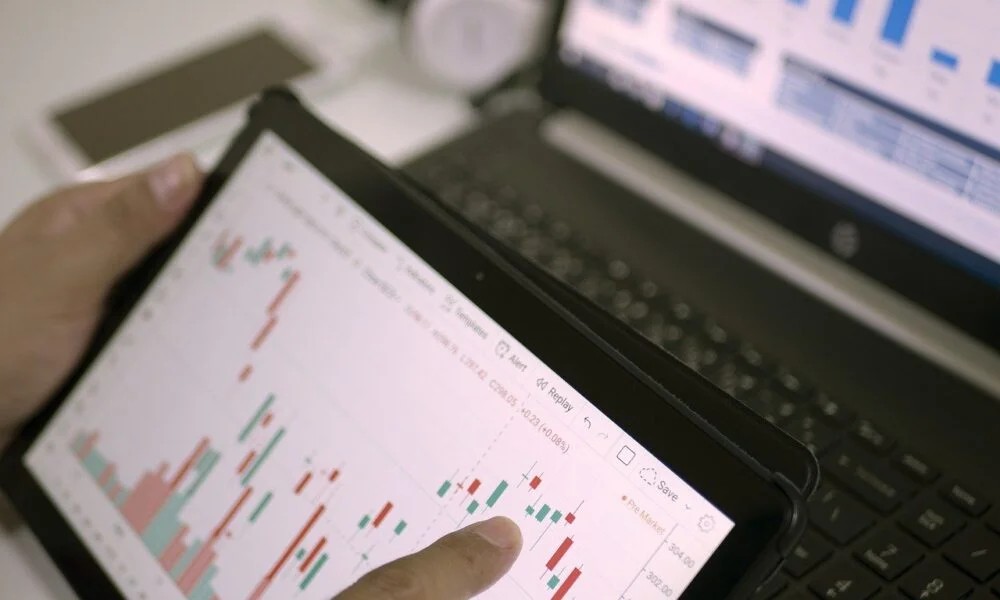
The first time somebody opens MT4, the platform usually feels way more complicated than expected.
Charts everywhere. Small buttons. Random abbreviations. Prices moving nonstop even when nobody fully understands what they are looking at yet.
Some beginners spend ten minutes clicking around and still cannot figure out where the trade button actually is. Honestly, that early confusion is pretty normal.
Learning the basics of using mt4 (การ ใช้ mt4 เบื้องต้น) is less about mastering everything quickly and more about becoming comfortable little by little until the platform stops feeling stressful every time it opens. Because in the beginning, even switching between charts feels like work sometimes.
Understanding the basic MT4 workspace layout
MT4 splits different functions across separate sections on the screen. At first it looks crowded. Later it starts feeling organized. Sort of.
The Market Watch area shows asset prices updating live. Chart windows display market movement. The terminal section handles open trades and account details. Then there is the navigator panel where indicators and account settings usually sit.
A few things beginners normally interact with first:
- Market Watch for prices
- Chart windows for analysis
- Terminal area for trades
- Navigator section for indicators
- Toolbar shortcuts near the top
And honestly, most people spend the first few days dragging windows around trying to make the platform look less chaotic. Sometimes they accidentally close important sections too. Happens a lot.
Opening charts and selecting trading instruments
Charts become the main workspace pretty quickly because traders spend most of their time staring at price movement anyway. Opening charts is simple once the platform navigation stops feeling unfamiliar.
Usually traders:
- Select an asset from Market Watch
- Open a new chart
- Change chart style
- Zoom in or out
- Switch between timeframes
Candlestick charts are the most common because they make price movement easier to follow visually. Some traders still prefer line charts though because cleaner screens help them focus better.
And weirdly enough, chart colors become a personal thing after a while. Some people cannot trade properly unless the background feels exactly right. No idea why. Just happens.
Managing orders through the trading terminal
The terminal section matters once traders begin opening actual positions. This is where open trades, balances, and account information appear.
A few functions beginners usually practice first:
- Opening buy positions
- Opening sell positions
- Setting stop losses
- Adjusting take profit levels
- Monitoring active trades
And honestly, demo accounts help a lot here because beginners make strange mistakes during the early stage.
Wrong lot sizes. Accidentally opening multiple positions. Closing trades immediately by mistake. It sounds silly until somebody actually does it themselves once. Or twice.
Timeframes and chart customization explained simply
MT4 lets traders switch between different chart timeframes depending on how they prefer analyzing markets. Short term traders focus heavily on smaller movement while swing traders usually care more about broader direction developing across longer periods.
Common timeframe usage looks something like this:
- One minute charts for fast movement
- Fifteen minute charts for intraday structure
- Hourly charts for broader trends
- Daily charts for long term direction
- Weekly charts for bigger market structure
And honestly, beginners often jump between timeframes too much searching for perfect confirmation everywhere.
That usually creates more confusion instead of clarity after a while.
A chart can look bullish on one timeframe and bearish somewhere else at the exact same moment. That realization frustrates people early on.
Common beginner mistakes while using trading platforms
Most new traders repeat similar mistakes during the early learning stage.
Some people overload charts with indicators immediately. Others focus entirely on strategies while barely understanding how the platform itself works yet.
A few common mistakes:
Over time, understanding the basics of using mt4 (การ ใช้ mt4 เบื้องต้น)becomes less about memorizing every feature inside the platform and more about building enough comfort so charts, orders, and market movement stop feeling overwhelming all the time.
Because honestly, the first week with MT4 feels messy for almost everybody. The difference is that eventually the mess starts making sense little by little without traders even noticing when it happened.